Dual Repository
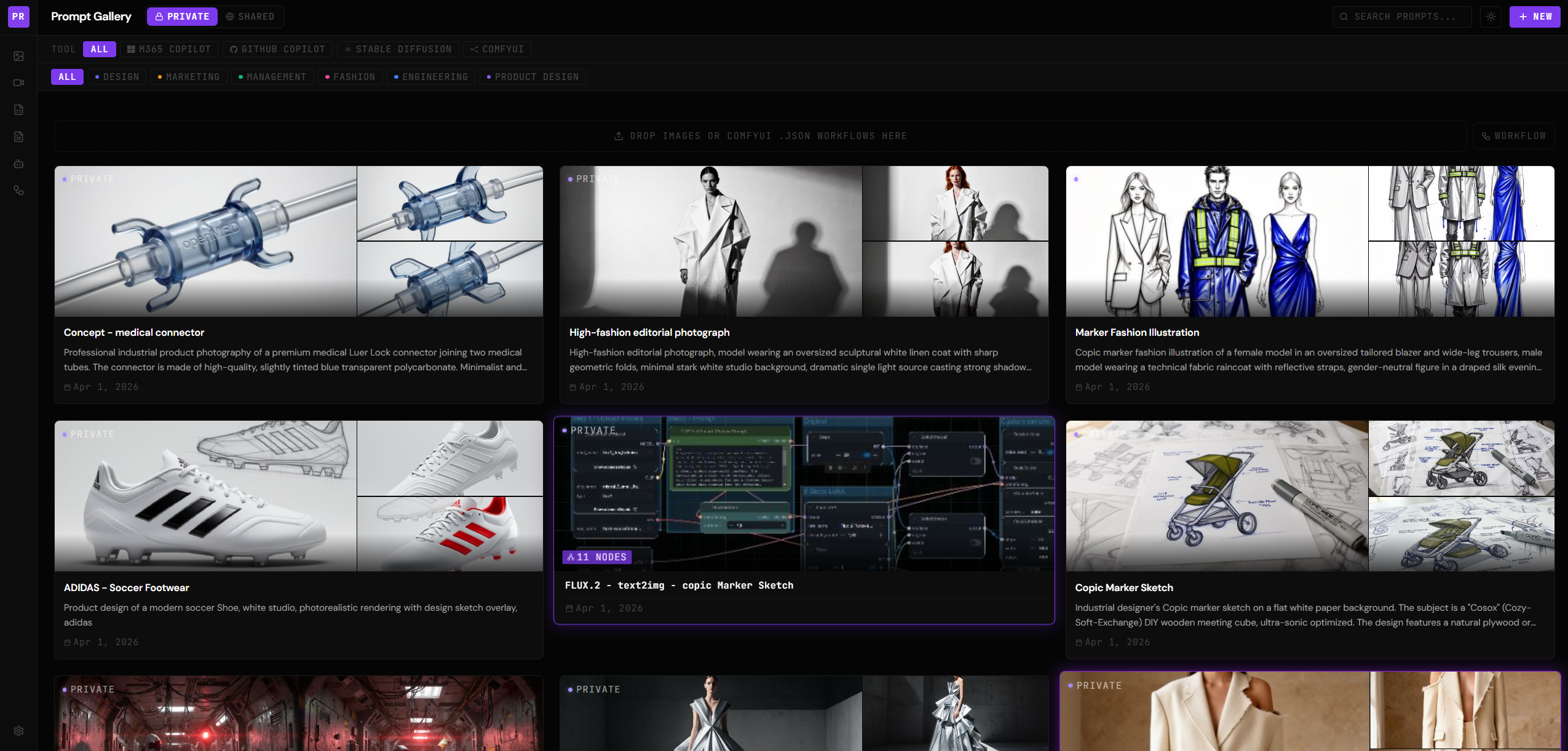
Keep personal prompts private in your OS app-data directory. Share team prompts via any local folder or SMB/UNC network path. Switch views with one click.
Stop losing your best work in chat histories and sticky notes. OPL gives your AI workflows a permanent home — on your machine, fully offline, no subscriptions, no accounts, no nonsense.
Why OPL
Built for developers, designers, and AI power users who take their workflows seriously.
Keep personal prompts private in your OS app-data directory. Share team prompts via any local folder or SMB/UNC network path. Switch views with one click.
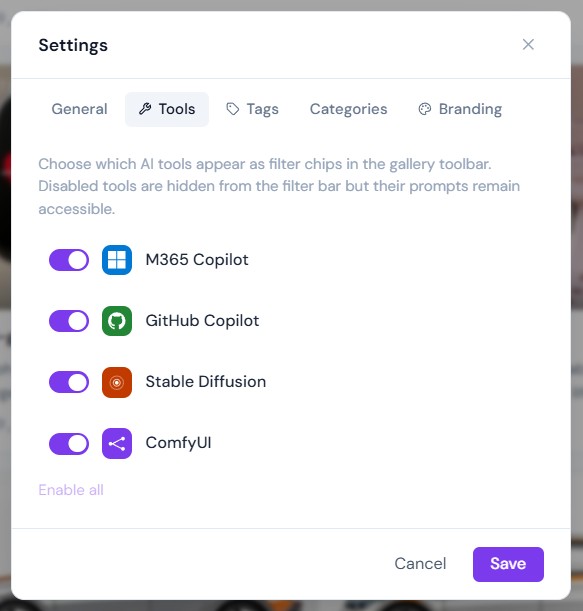
Tag each prompt for GitHub Copilot, M365 Copilot, Stable Diffusion, or ComfyUI. The toolbar filters down to exactly what a moment needs.
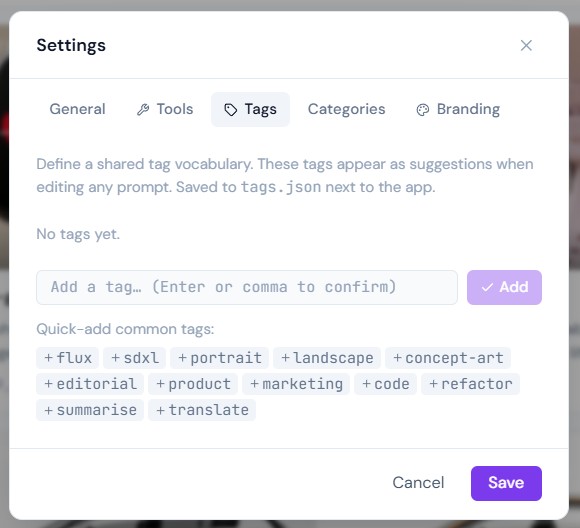
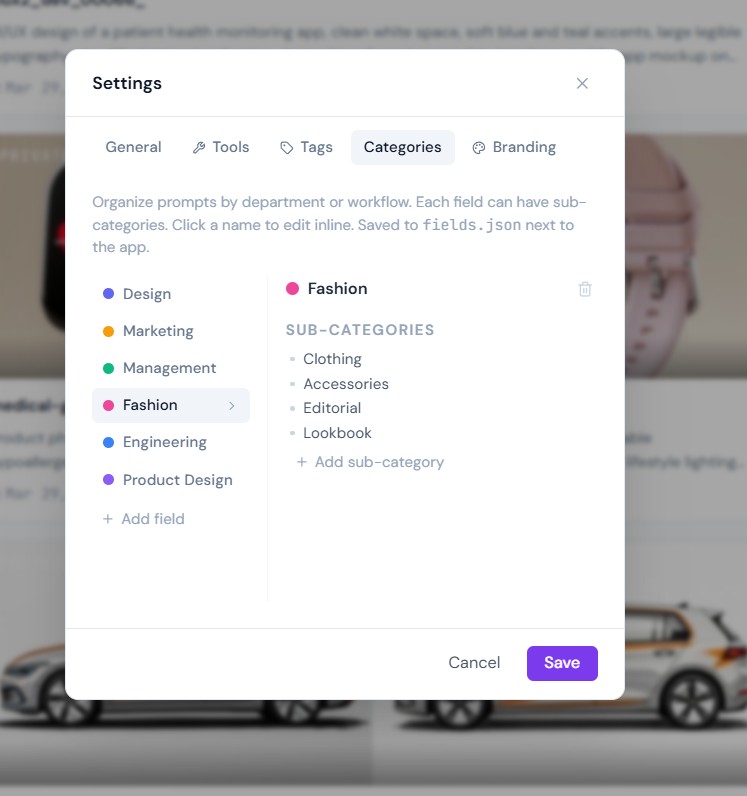
Define top-level Fields and nested Sub-categories to match how your team thinks. All structure lives in a plain fields.json — no schema migrations ever.
Drag and drop a JPEG or PNG. EXIF Description and Software tags are parsed in Rust via kamadak-exif — no JavaScript parsing — and pre-fill the prompt form.
White-label the app with your team's name, logo, and brand colors. Light, Dark, and System theme modes are all supported. Settings persist in branding.json.
All data lives in plain JSON files next to the app. No database, no migration scripts. Read, back up, and version-control your entire prompt library.
Screenshots
Comparison
Most prompt managers are expensive cloud subscriptions or raw text files. OPL sits exactly in the middle.
| Feature | OPL | Generic SaaS | Notepad |
|---|---|---|---|
| 100% offline | ✓ | ✗ | ✓ |
| Team sharing (network folder) | ✓ | ✓ | ✗ |
| AI tool filtering | ✓ | ✗ | ✗ |
| Image prompts + EXIF metadata | ✓ | rarely | ✗ |
| Hierarchical categories | ✓ | sometimes | ✗ |
| No account required | ✓ | ✗ | ✓ |
| Cross-platform native app | ✓ | browser | ✓ |
| Free & open source | ✓ | ✗ | ✓ |
Get Started
Node 18+, a Rust stable toolchain, and Tauri's platform prerequisites are all you need.
# Clone the repository
git clone https://codeberg.org/benson08/OpenPromptLibrary.git
cd OpenPromptLibrary

# Install frontend dependencies
npm install

# Launch in dev mode (hot-reload + Rust backend)
npm run tauri dev

# Production build (installer in target/release/bundle/)
npm run tauri build
Tech Stack
All file-system operations run through typed #[tauri::command] functions in Rust.
The browser layer never touches disk directly — the security boundary stays clean.